 ModBoo
Expressions (morphs)
Open the Expressions tab at the bottom. Sliders are grouped into eyebrows, eyes, mouth and other. Type a name in Search morphs to filter.
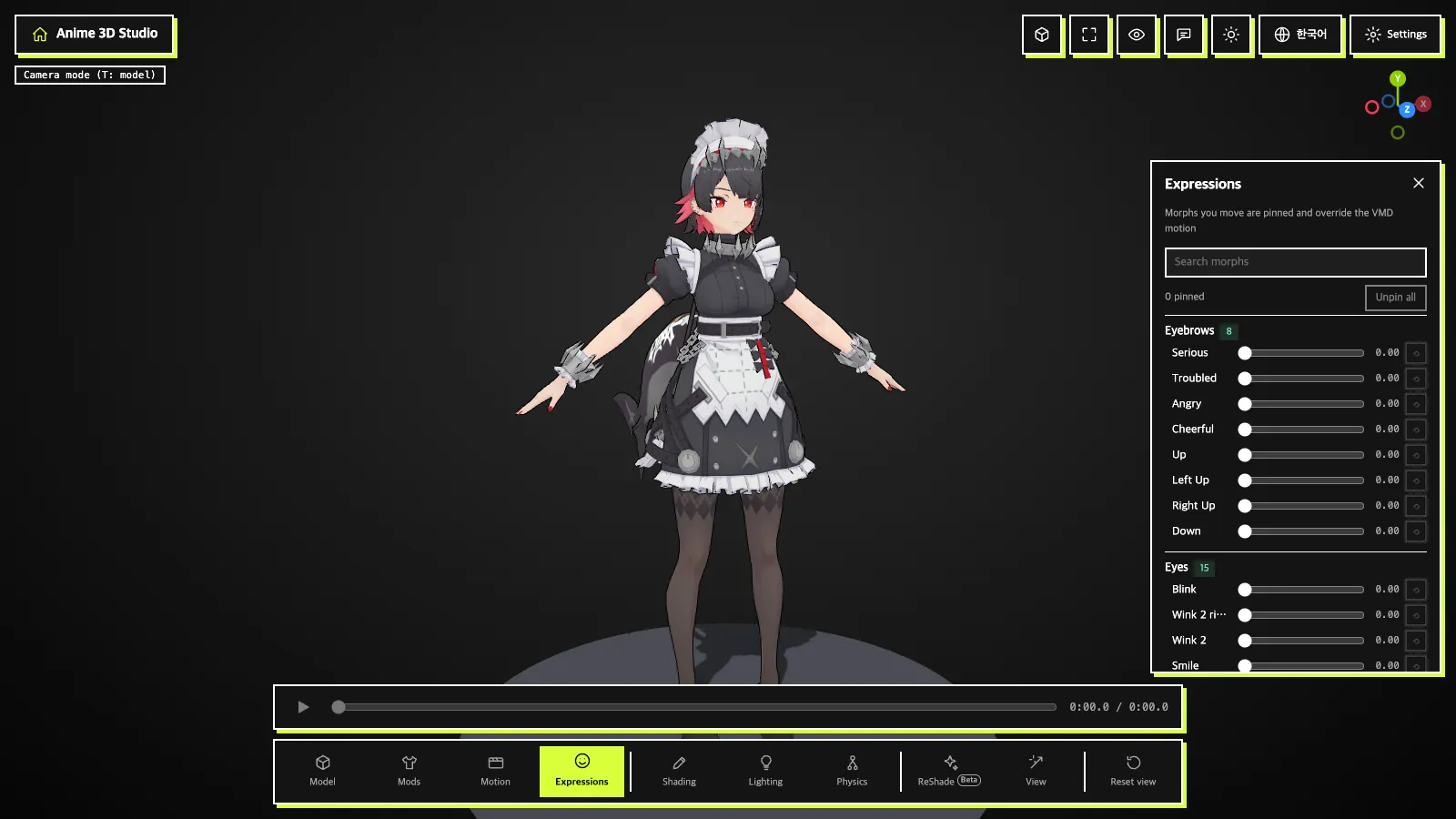
- A morph you move is pinned (pink) and takes priority over the VMD motion.
⟲resets one;Unpin allreturns everything to the VMD values. The count is shown asn pinned.
Presets
- Type a name in
Preset nameand pressSaveto store the current pinned combination in your browser. Apply/Delete: use or remove a saved preset.Export JSON/Import JSON: send out and bring in JSON files.- Applying to another model skips morphs it does not have and tells you how many.
INFO
Morph editing for glTF models is not supported yet. Morph and material names are shown translated to the screen language, but search also matches the original names.