 ModBoo
Motion and playback
With a model open, use the playback bar at the bottom and the Motion tab.
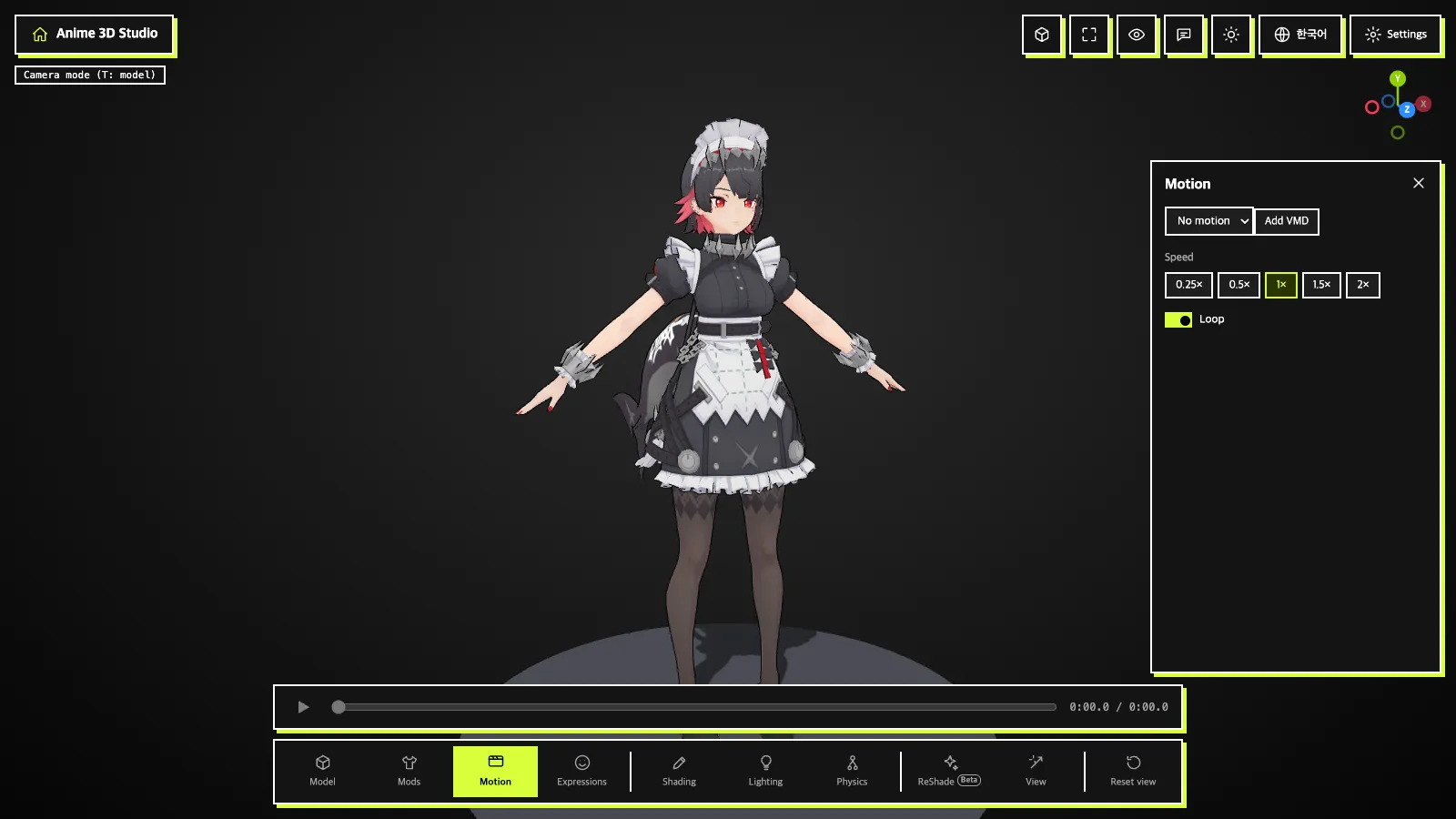
Playback bar
- Play/pause button
- Time bar: drag to jump (1/30 second steps)
- Current time / total time
The bar is disabled when there is no motion to play.
Motion panel
- Choose motion from the list at the top. It reads
No motionwhen empty andRest posewhen none is selected. Add VMD: add more VMD files (shown for MMD models only).Speed: 0.25× · 0.5× · 1× · 1.5× · 2×Loop: start over from the beginning at the end.
A .vmd file in the same folder joins the list when you open the model. For glTF models, animations embedded in the model appear in the list; VMD cannot be applied.
INFO
Adding a VMD with no MMD model open shows "Load an MMD model before applying a motion".